WeChat has finally been updated! Lots of big changes and updates

China Finance Online
2024.09.08 12:29
portai
I'm PortAI, I can summarize articles.

WeChat released version 8.0.51 on September 6 after a two-month wait, covering both Android and iOS platforms. This update resolved the controversy surrounding the "Apple tax" and rumors suggest that WeChat will be supported on the iPhone 16. The new version underwent significant changes in the service account interface, optimizing user experience, and adjusting the storage space mechanism

It is true that "wait until the flowers wither". After two months, WeChat finally released the new version.

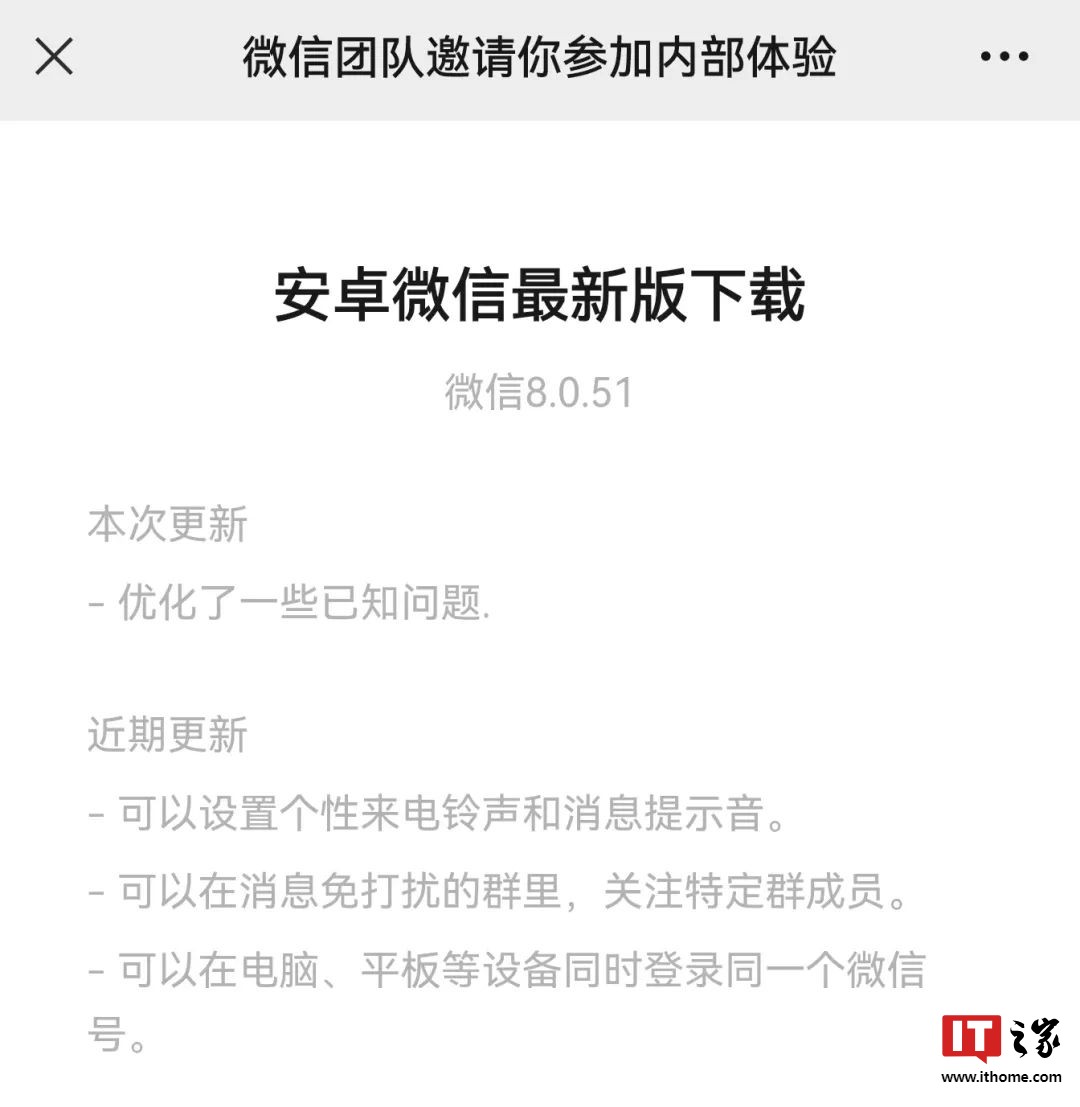
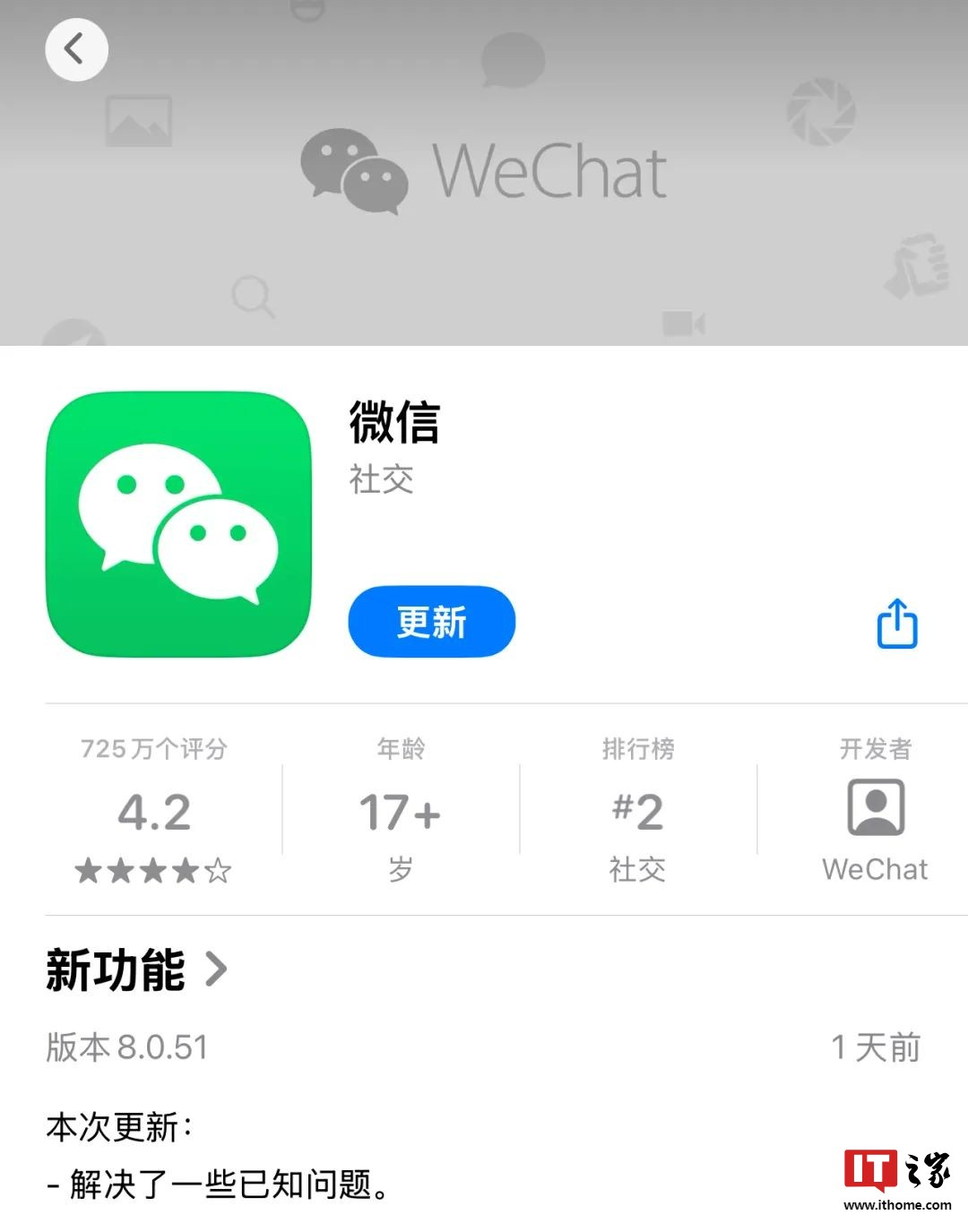
First, on the morning of September 6th, WeChat's Android platform welcomed the 8.0.51 beta update; then in the afternoon, WeChat directly launched the 8.0.51 official version update on the iOS platform.

During this period, due to the "Apple tax", WeChat and iPhones have been in the spotlight.

It was rumored online that Tencent and Apple have not reached an agreement on in-app purchase fees, leading to the rumor of "iPhone 16 may not support WeChat".

However, on September 6th, Bloomberg reported that Apple has approved the latest version of WeChat to be available on iPhone 16. According to sources, Apple has approved the update of the iOS version of WeChat, and on the same day, the latest version of WeChat for iOS was released.

As for the negotiations between Tencent and Apple, it is unknown, but for us, as long as it does not affect normal use, it's fine.

Since WeChat has released new versions for both Android and iOS, IT Home will naturally provide detailed information on the changes for our readers.

Following the principle of "Android first, then iOS", let's take a closer look at the new changes.

01. Renewed Official Account Interface

After actual testing, in the WeChat Android platform 8.0.51 beta version, there are a total of three changes, with the most noticeable being the revamped official account interface.

In the previous hot updates, WeChat unified all official accounts into one section, similar to subscription accounts.

Now, this interface has been completely refreshed, with the "My Subscriptions" area at the top removed, and "Notifications" moved to the top.

The official account post area is now different from subscription accounts, with each official account displaying only one headline post and title, while other articles need to be viewed on the main page.

Only three articles from followed official accounts are displayed by default, and to see more, you need to click "View More" below.

The post covers are displayed in small graphics on the left side, with the official account name moved below the title and no longer showing the post time.

The editor feels that, after this adjustment, the Service Account interface has become more concise and refreshing, and will no longer be confused with Subscription Accounts.

However, for users who are used to viewing Service Accounts or need to receive service information, they will need to readjust.

02. Optimization of Storage Space Mechanism

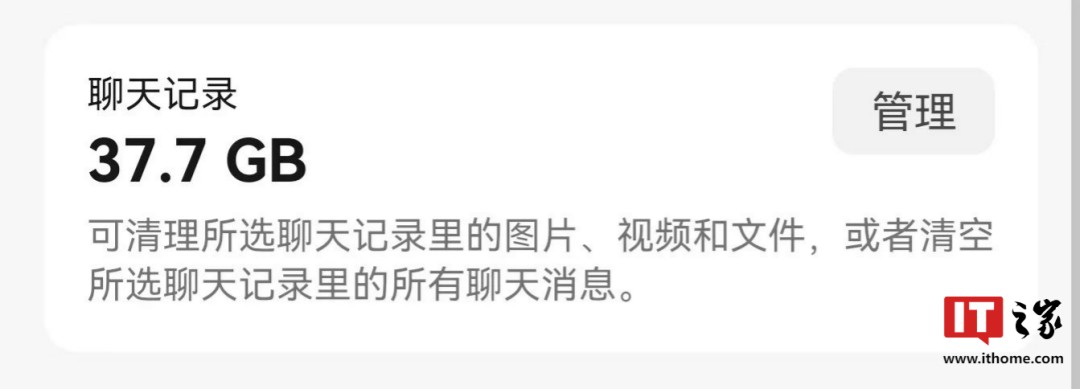
The second change is in the "storage space" area, where WeChat has optimized a cleaning mechanism.

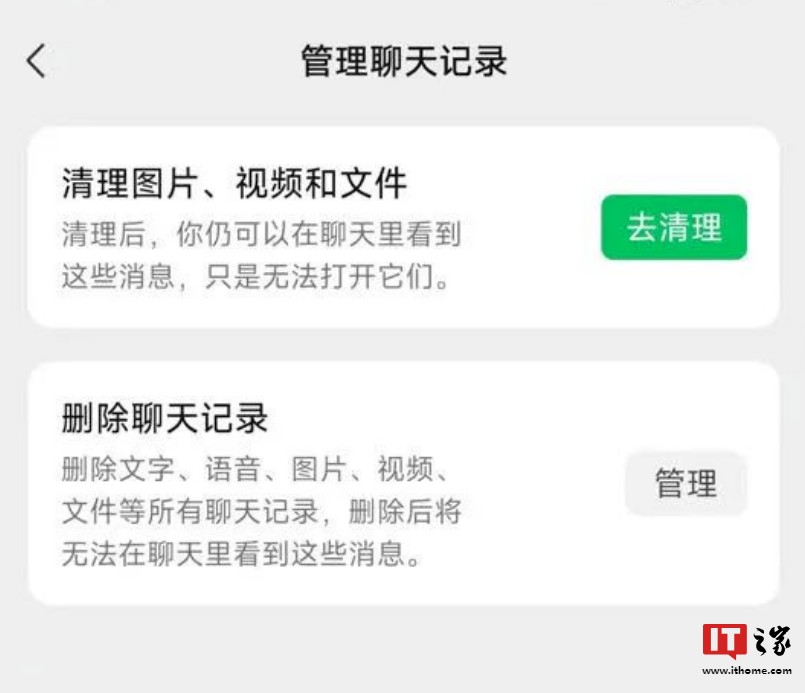
In the storage space interface, clicking on the management in the chat records area will pop up two options: clean up images, videos, and files, delete chat records.

Clicking on the former requires selecting "display by type" or "display by chat", and then selectively deleting based on time, type, and size.

After cleaning up, you can still see these messages in the chat, but you cannot open them.

Clicking on "delete chat records" allows for deletion based on time and size, and the deletable content includes text, voice messages, images, videos, files, and all chat records.

It is important to note that once deleted, these messages cannot be seen in the chat anymore.

03. Audio Interface Redesign

The final adjustment for Android is hidden in the "Audio" interface.

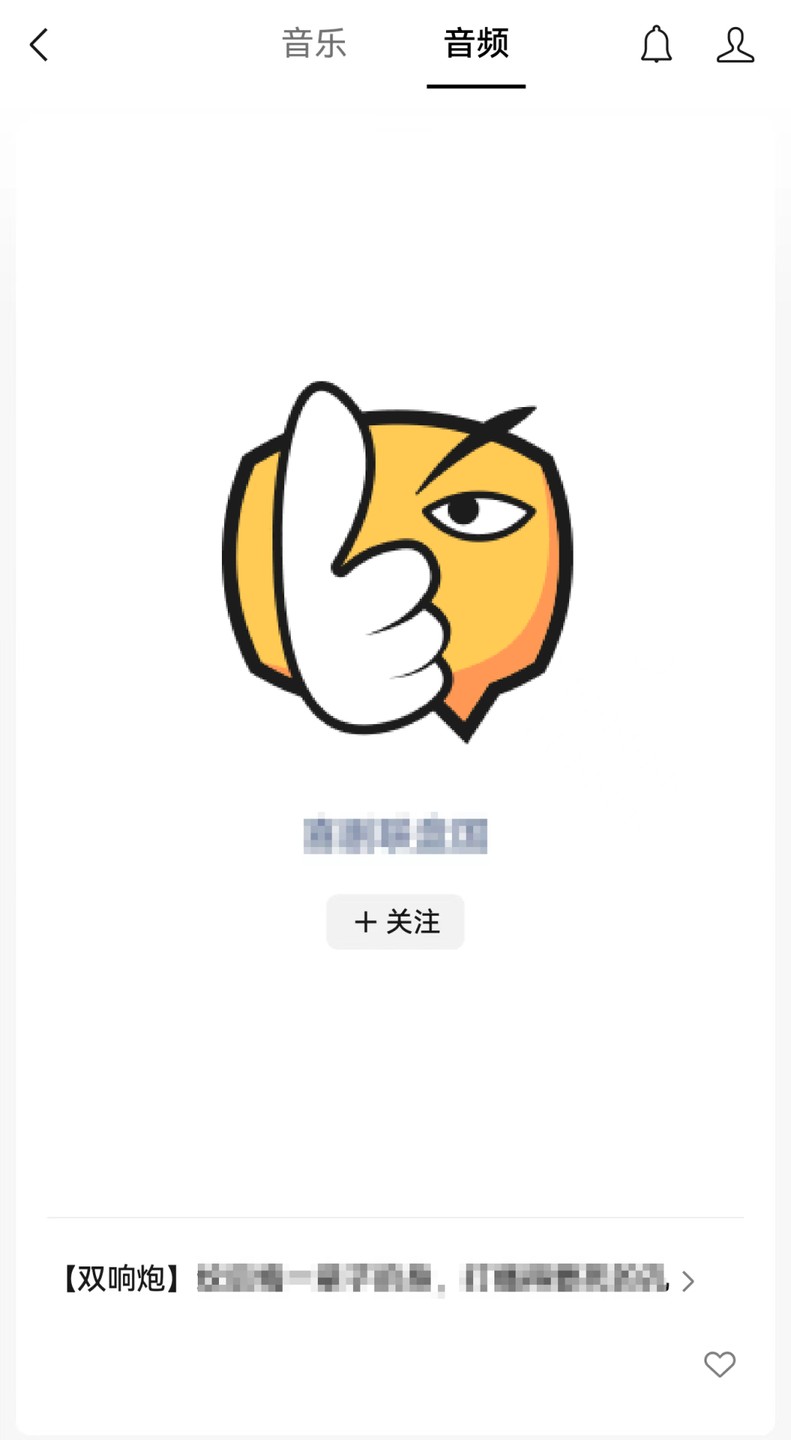
By clicking "Discover - Listen - Audio" in sequence, you will see that the interface directly enters the playback state, and you can switch between audios by scrolling up and down.

The middle part shows the public account's icon, name, and follow symbol.

If you click on the title of the audio below, you can jump to the original audio player interface.

04. Collection Display Space

As Android exits, iOS enters, in this official version 8.0.51, there are six changes on the iOS side.

Among them, three are identical to Android, which are the renewal of the Service Account interface, optimization of the storage space mechanism, and redesign of the audio interface, just refer to the situation on Android.

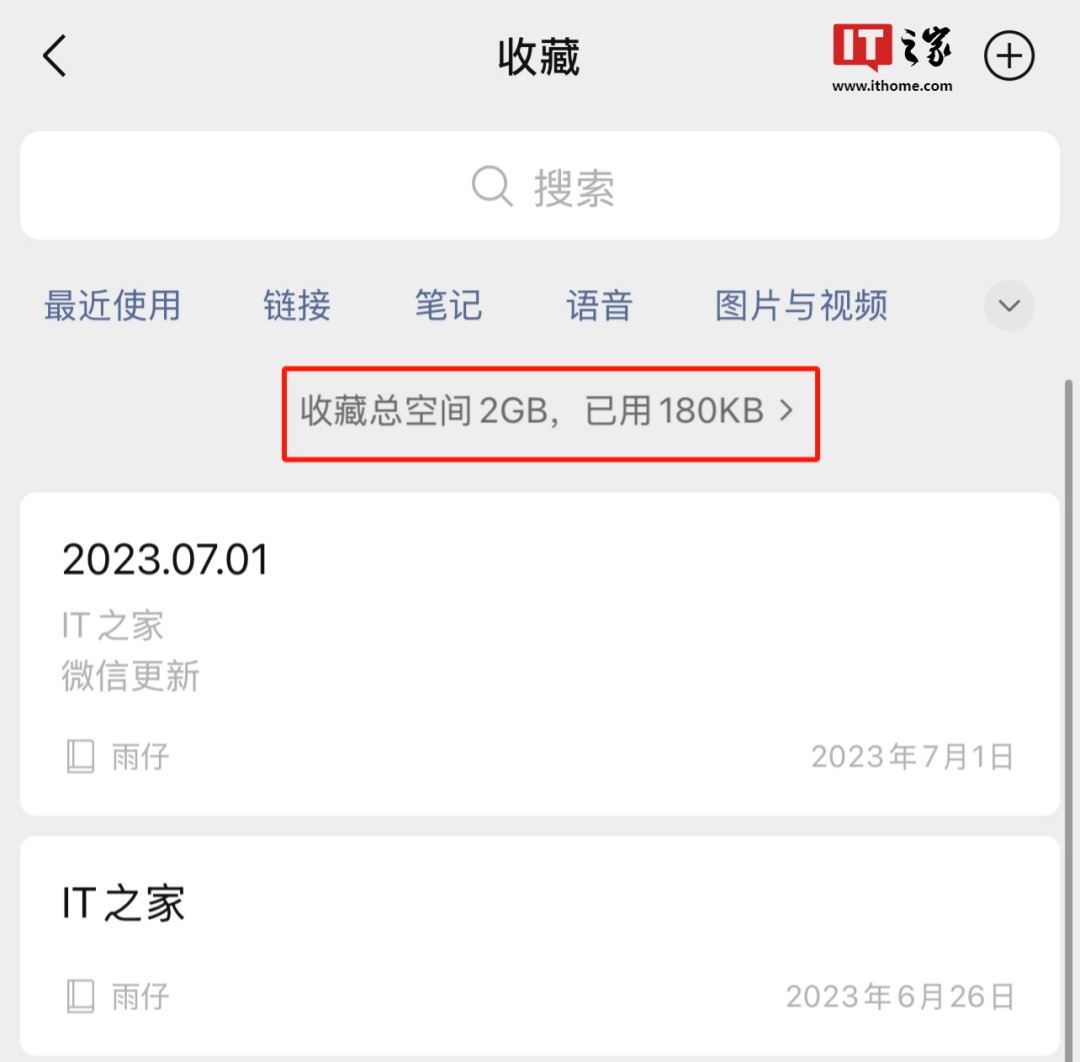
Speaking of the fourth change, it is located in the "Collection" function, where "available memory space" display has been added.

In the collection interface, when you pull down the screen, between the type and content, a line of gray small text appears, stating: Total collection space 2GB, used xxxKB

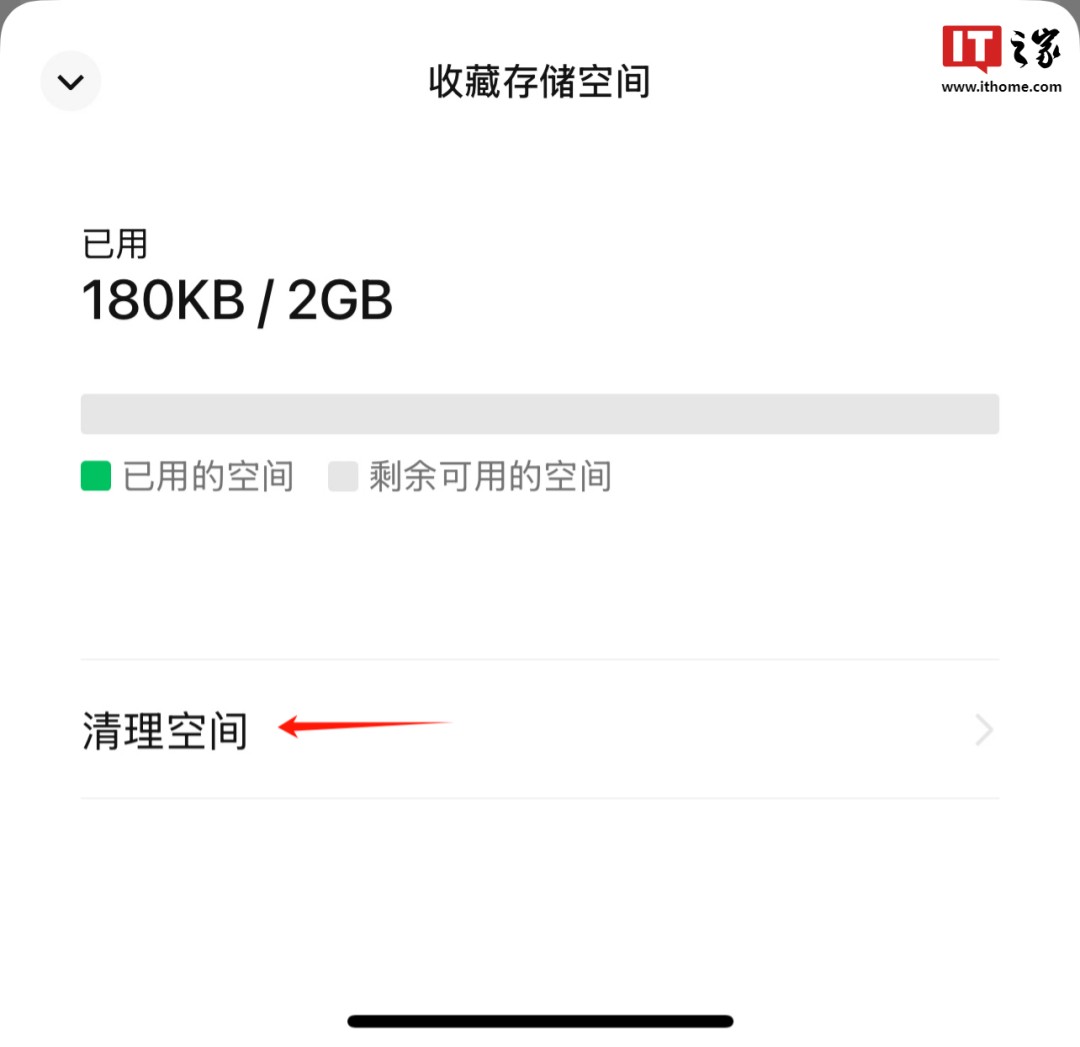
Clicking on this sentence will bring up the "Storage Space" menu, with the storage space display at the top and the option to "Clean Space" below. You can clean up unwanted content in your collection to free up space.

05. Unable to Recharge in Mini Programs

Speaking of the fifth change on the iOS side, it's quite interesting and seems to be related to negotiations between Apple and Tencent.

Previously, when playing games in WeChat mini programs and users needed to recharge, some games would prompt users to jump to the customer service interface and recharge through the link provided by customer service.

By doing this, it bypassed the "Apple tax" to some extent, so Apple pressured Tencent to close the "payment loophole" that avoided in-app purchase commissions.

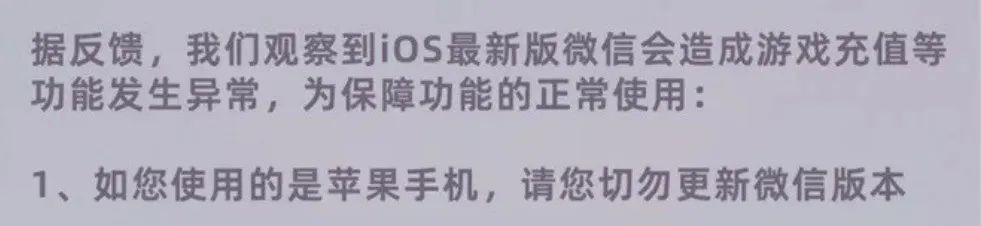
However, after updating to this new version, WeChat seems to have closed this recharge channel, where clicking on recharge in the mini program still prompts a message, but does not jump to the customer service interface.

Some mini program developers have also issued notices, stating that due to the latest version of iOS WeChat, anomalies may occur in game recharges and other functions, so please do not update.

06. Further Compatibility Improvements

The final change on iOS is unrelated to functionality, focusing on compatibility, with compatibility improvements in the official version 8.0.51.

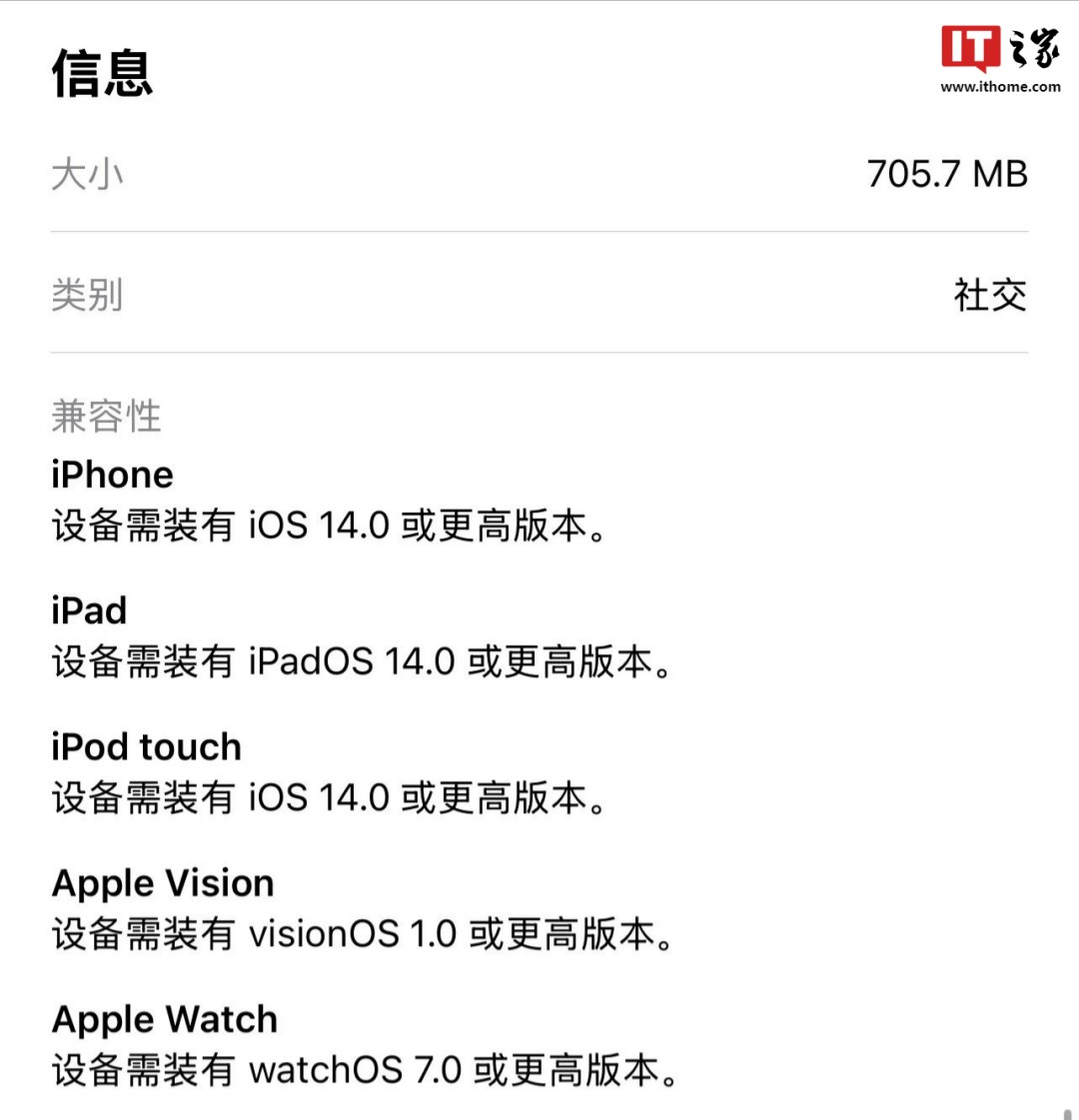
For iPhones to use the latest version of WeChat normally, the device must have iOS 14.0 or higher.

In previous versions of WeChat, the minimum compatibility requirement was iOS 13.0.

07. Resolved Some Known Issues

The above are the updates for WeChat Android 8.0.51 beta and iOS 8.0.51 official versions. As an update after a two-month hiatus, the intensity is considerable.

There are quite a few changes, including a major overhaul of the service account interface and unexpected changes like the display of collection space.

Of course, the inability to recharge in iOS mini program games and the compatibility requirement of iOS 14 and above are worth noting, as they may affect usage Just, obviously there are substantial adjustments with each update, but the log always remains unchanged for years, stating "solved some known issues," which is truly confusing.

Perhaps, this is like the joke among IT Home friends: frequent updates, fixed logs, not even one more word is allowed.