Tesla integrates Uber driver navigation directly into its vehicles

Electrek
2024.09.10 15:30
portai
I'm PortAI, I can summarize articles.

Tesla and Uber have launched an in-car integration that allows Uber drivers to send trip navigation directly to their Tesla vehicles. This feature enables automatic transfer of pickup and drop-off information to the Tesla screen once a trip is accepted. Additionally, drivers can enable battery-aware matching to receive trip requests within their vehicle's battery range. This collaboration aims to enhance the ridesharing experience for Tesla drivers and improve the deployment of charging stations in areas with high Tesla usage among Uber drivers.

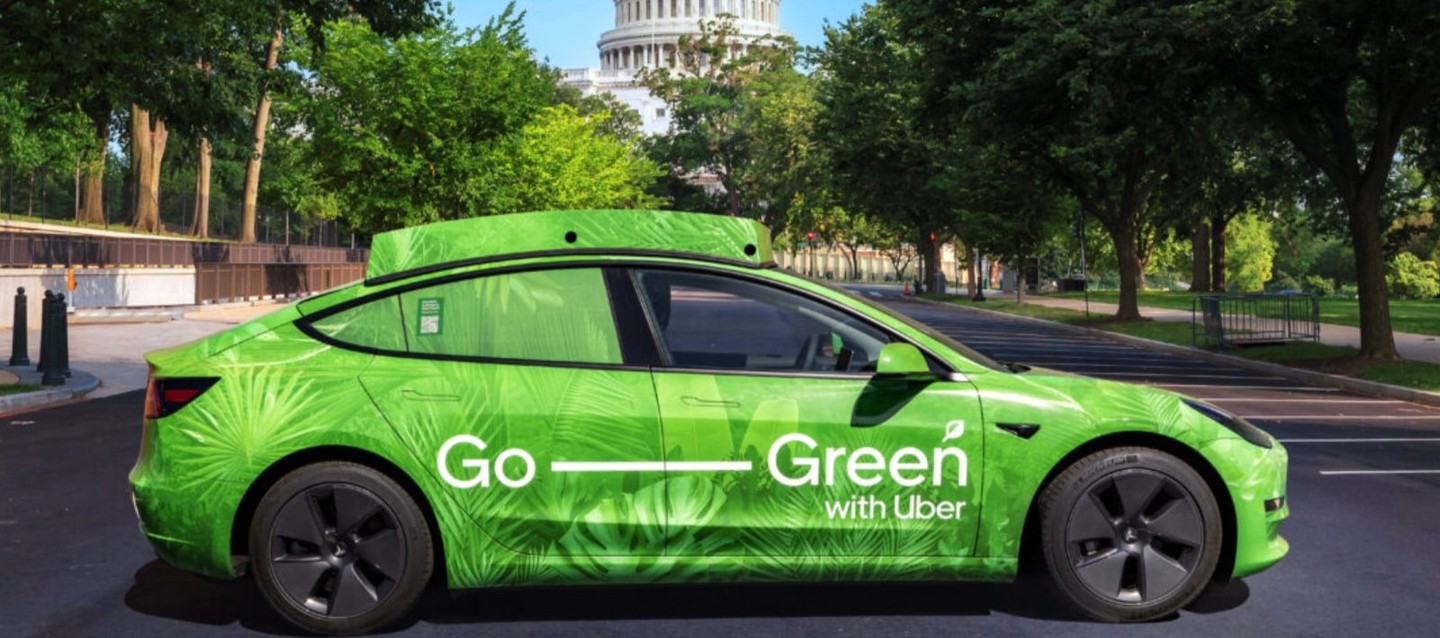
Tesla and Uber have launched an in-car integration of ridesharing navigation directly into its Tesla vehicles for Uber drivers.

There are a lot of Uber drivers who drive Tesla vehicles.

Many have been deployed in Uber’s fleet through Hertz’s deal to buy 100,000 Tesla vehicles,andUber and Tesla worked together to offer drivers discounts.

In some markets, they have become very popular with Uber drivers, who take advantage of subsidies and reduce their fuel costs. In Montreal, every other time I order an Uber, the driver shows up in a Tesla vehicle.

They always have their phones to manage their Uber Driver app and when they get a trip, sometimes they will enter the destination in the Tesla navigation system, but most of the time, they simply follow the navigation on their phones either through the Uber app or through a third-party app.

Now, Uber has announced that Tesla drivers using its rideshare app can now send trip navigation automatically to their vehicles:

Enjoy bigger and bolder navigation. Once you accept a trip request on your phone, pickup and dropoff info will be sent to your Tesla screenautomatically.

On top of the navigation, Uber drivers can make the rideshare app aware of their current battery range in order to only send trip request within that range:

When you connect the Uber app to your Tesla, you can enable battery-aware matching so you’ll only see trip requests within your Tesla’s batteryrange.

Here’s how to activate the feature in the app:

  1. Go toMenu>Account>Vehicles
  2. Under Eligible Vehicles, choose theConnectbutton next to yourTesla
  3. On the following screen, selectContinue toTesla
  4. Sign in to your Tesla account to grant Smartcar and the Uber app access, then chooseNext
  5. Check the boxes next to Vehicle Information and Vehicle Commands, and selectAllow

It sounds like Smartcar, an API for cars, is acting as the go-between Tesla and Uber.

Tesla and Uber have also been working together to share data in order to better deploy charging stations in New York City, where there are a lot of Uber drivers using Tesla vehicles.

Stay up to date with the latest content by subscribing to Electrek on Google News.You’re reading Electrek— experts who break news about Tesla, electric vehicles, and green energy, day after day. Be sure to check out our homepage for all the latest news, and follow Electrek on Twitter, Facebook, and LinkedIn to stay in the loop. Don’t know where to start? Check out our YouTube channelfor the latest reviews.