

WeChat updates again! The interface is clean and refreshing

WeChat pushed out the official version 8.0.51 update for the Android platform on September 14th, with a file size of 262.94MB, mainly fixing known issues. This update made adjustments to the service account interface, storage space mechanism, and audio aspects. The service account interface has been refreshed, with the removal of the "My Subscriptions" area at the top, replaced by a "Notifications" area to display important service information. Each service account now only displays one headline article, with other articles requiring access to the homepage for viewing
After an 8-day test, WeChat pushed the official version update 8.0.51 for the Android platform on September 14th.
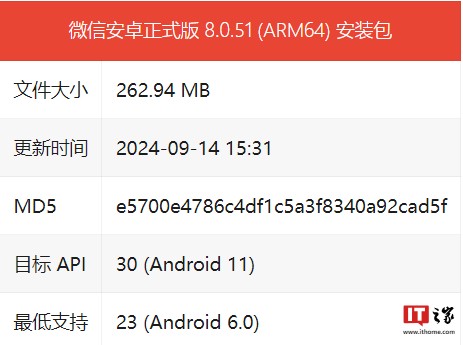
By capturing the installation package from the IT Home App, it was found that the size of this update file is 262.94 MB, and the update log still reads "fixed some known issues".
In the previous test version, through our testing, three new features were discovered, located in the service account interface, storage space mechanism, and audio revision respectively.
In this official version, although there are still adjustments in the same three areas, it differs from the test version.
Moreover, compared to the iOS platform, which is also version 8.0.51, there is one difference.
What changes have been made in the official version, and where do the differences lie compared to the test version and iOS? Let's take a look one by one with our readers~
01.
Service Account Interface Revision
Similar to the test version, the biggest adjustment in this official version update 8.0.51 is the revision of the service account interface, refreshing the entire interface once again
Speaking of WeChat's adjustments to service accounts, it dates back to a hot update at the end of June this year, where a section called "Service Account Messages" appeared in the main interface of WeChat.
Later, in early July, this section was renamed to "Service Accounts," folding all service account messages within it.
With this change, the main interface of WeChat became particularly refreshing, no longer mixing chat messages and service account messages together.
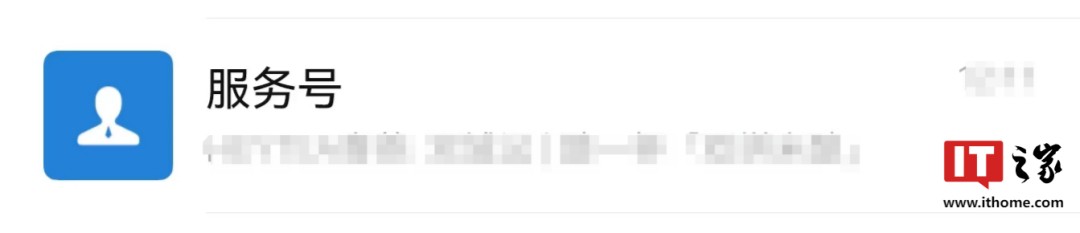
Now, the layout within the service account section has been readjusted, with the "My Subscriptions" area previously at the top being removed, and "Notifications" moved to the top.
Within Notifications are important service-related information such as express delivery, appointments, orders, and consumption.
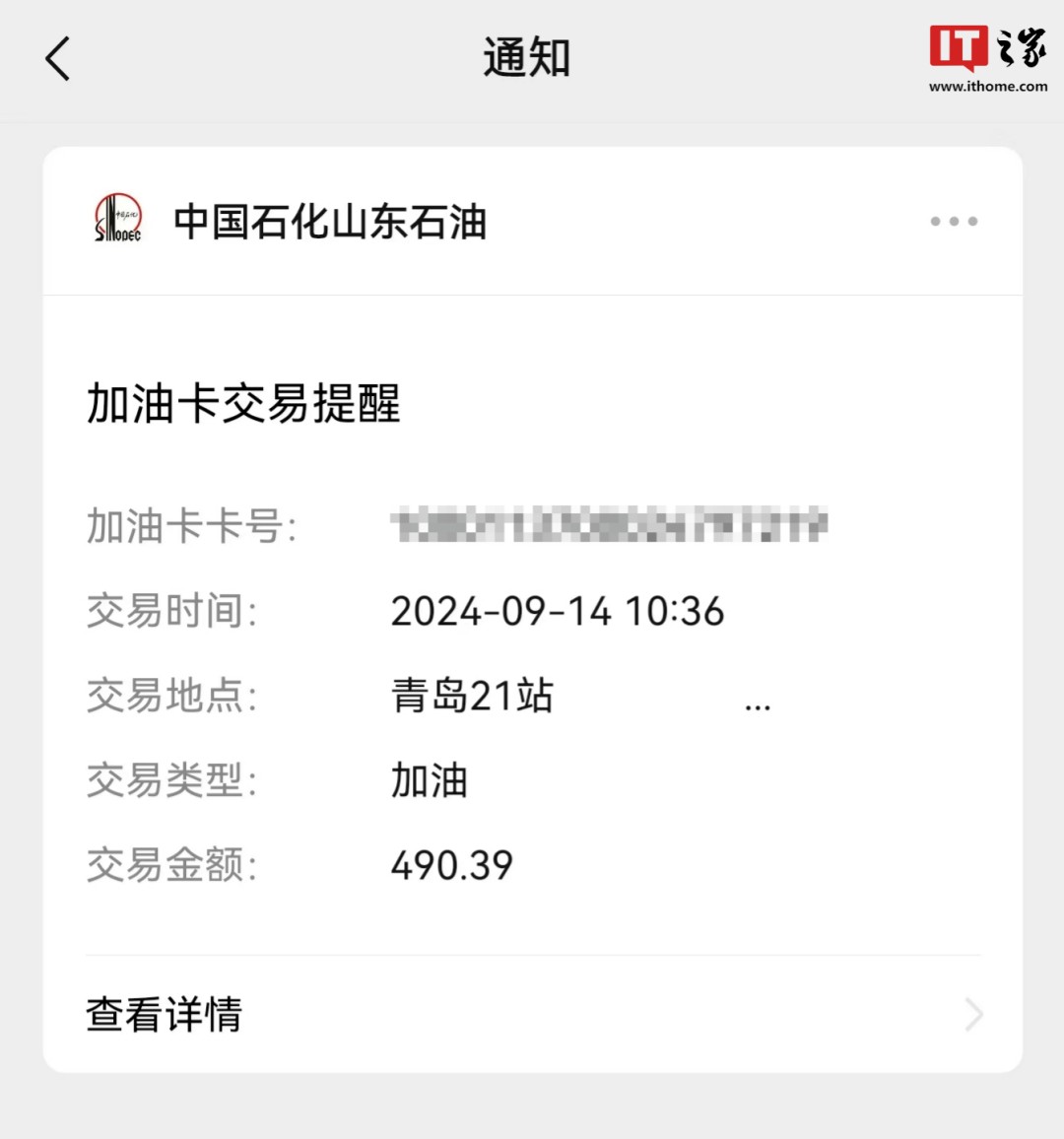
Below Notifications is an area called "Subscriptions," where service account articles are displayed.
Previously, this area had a similar style to subscription accounts, but now it is different, with each service account displaying only one headline article and title, while other articles need to be viewed on the main page Moreover, only the articles pushed by the top three official accounts are displayed by default, and others need to click "View More" below to view.
The cover of the push article is displayed in a small graphic format on the left, with the official account name moved below the title, and the push time is no longer displayed.
As for the "Follow" section below, it is still the familiar "Explore" area, full of content recommended by WeChat.
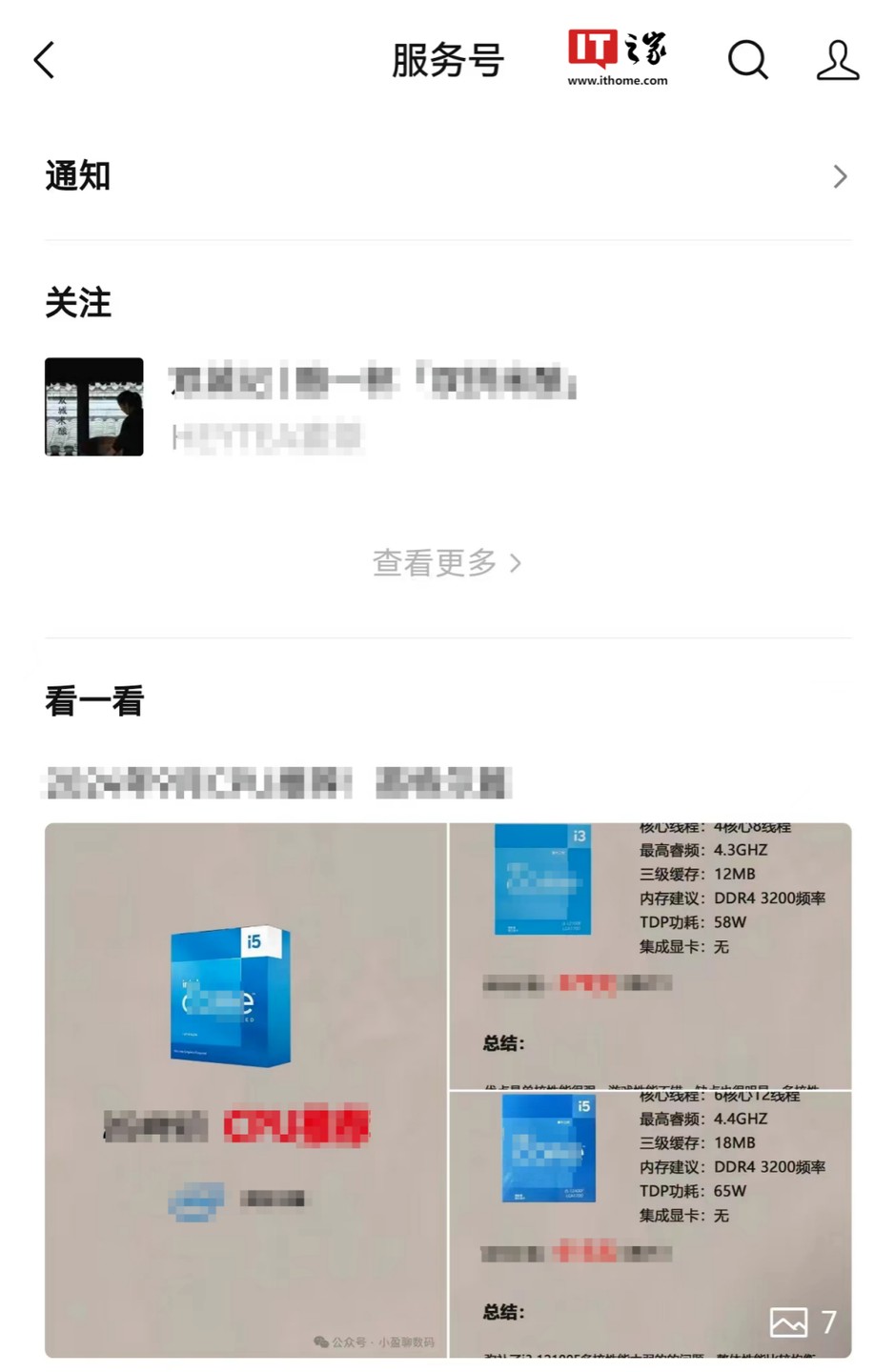
Comparing the adjustments before and after, the new official account interface not only distinguishes itself from the subscription account style, but also further enhances simplicity and freshness compared to the old interface.
However, for those accustomed to reading official account articles or relying on message notifications, they will have to readjust.
02.
Save Subscription Account Articles as Images
Speaking of this feature, it's quite interesting because it didn't appear in the previous beta version but was launched on the iOS platform after grayscale testing.
In any subscription account article interface, click on the "..." in the upper right corner, and you will see the new "Save as Image" option in the last line of the operation interface.
After clicking, the article will be saved as an image in the album, even with the bottom advertisement and reader comments.
Overall, the effect is basically the same as taking a long screenshot on the page.
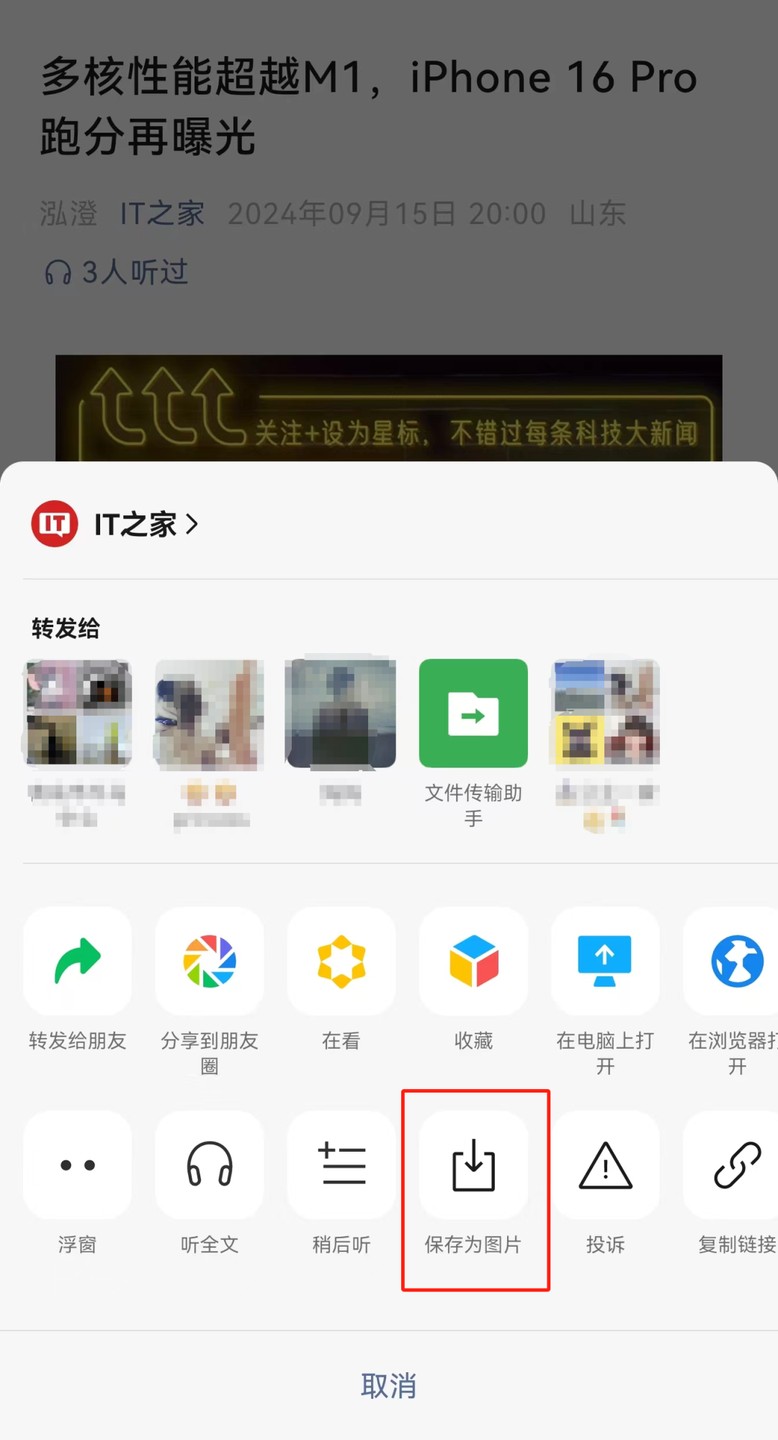
From a user perspective, this feature has a certain practicality. Previously, when users saw subscription account articles they liked, they would save them for later viewing.
However, since articles can be deleted, even if saved, they may not be viewable.
But with "Save as Image," you can effectively make the article immortal, even if the article disappears, you can still view it.
However, relatively speaking, this feature is more useful on iOS than on Android, as the Android system generally supports long screenshot functionality.
03.
Audio Interface Redesign
Continuing the changes from the beta version, the audio interface has also undergone a major redesign.
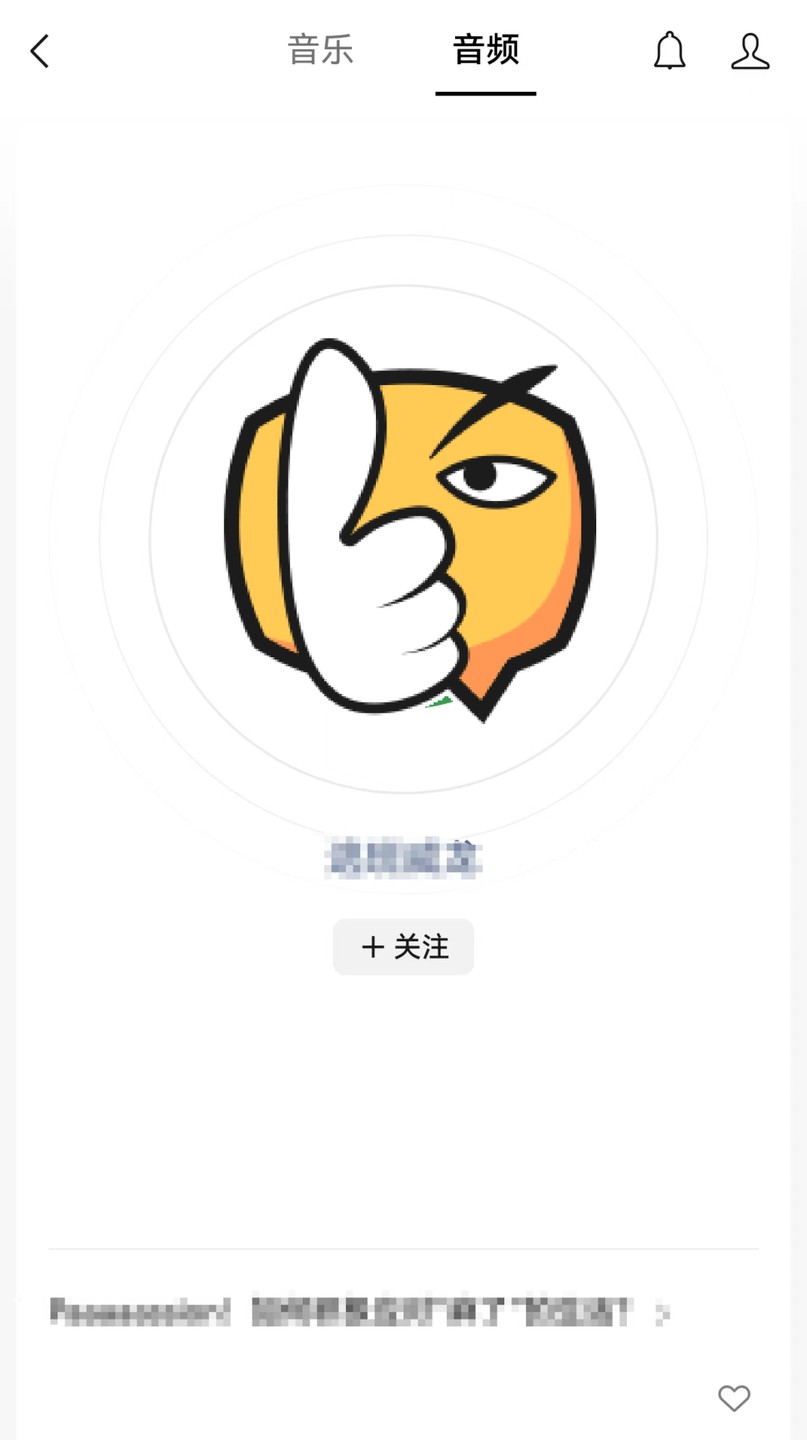
The new "Audio" interface, upon entering, is the "Enable Personalized Recommendations" interface, which, when enabled, will recommend more interesting audio content to users.
Swiping up on the interface will enter the playback state, and you can switch between audios by swiping up and down.
The middle part shows the icon and name of the official account, as well as the follow symbol. Clicking on the title of the audio below will jump to the audio player interface.
04.
Optimization of Storage Space Mechanism Callback
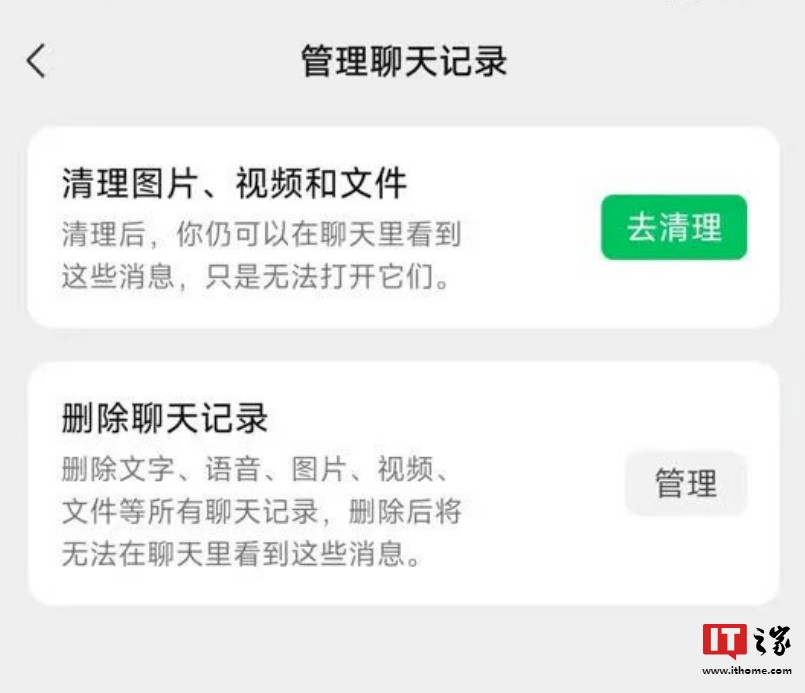
Unfortunately, the adjustment regarding storage space in the beta version did not make it to the official version.  In the storage space interface, click on the management of chat records, and two options will pop up: clean up images, videos, and files, delete chat records.
The former can specifically clean up images, videos, and files, and after cleaning, you can still see the messages in the chat, but you cannot open them.
The latter can delete all chat records, and once deleted, they cannot be viewed again.
05.
Missing Space Display in Favorites
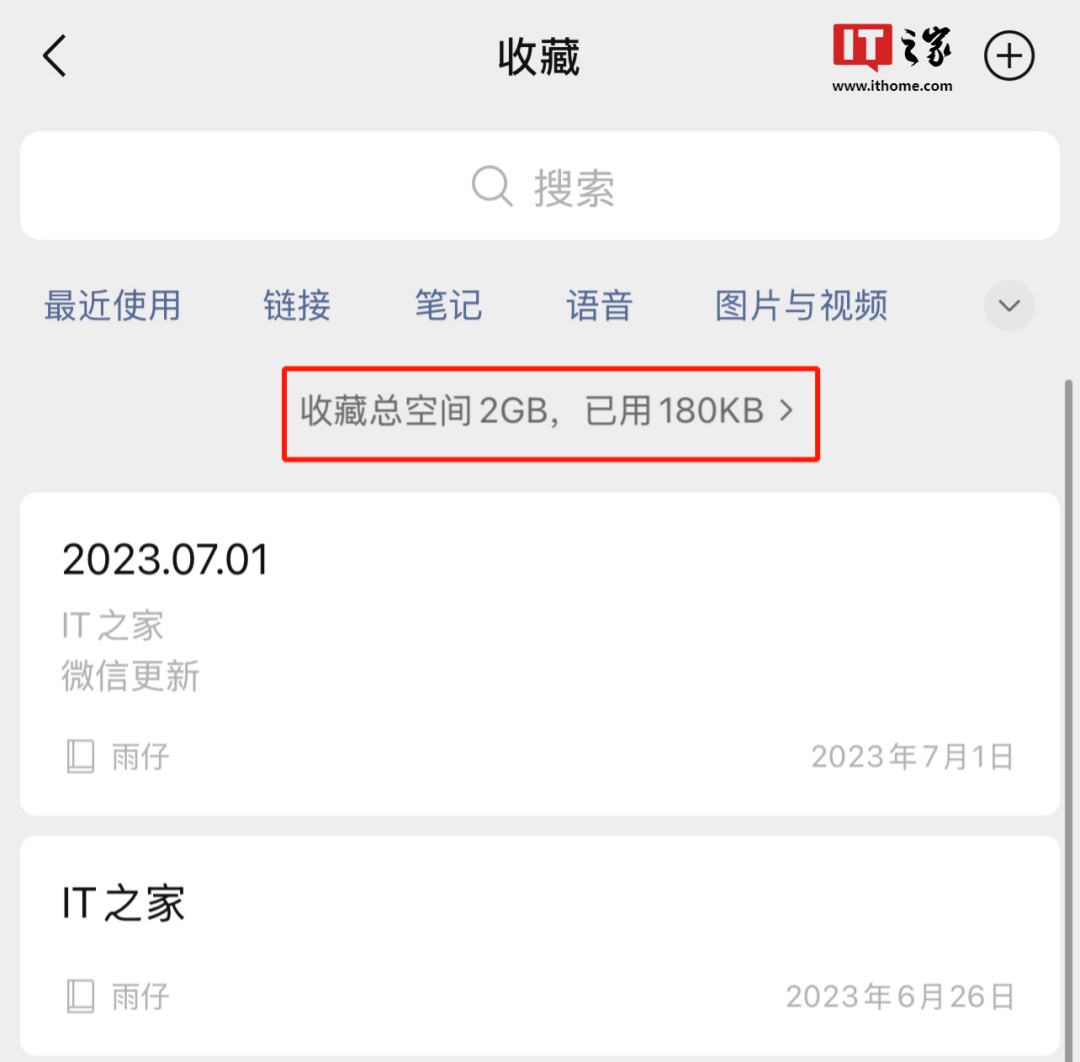
Both are version 8.0.51, this feature is available on iOS but not on Android.
In the favorites interface, between the type and content, there is a line of gray small text: Favorite total space 2GB, used xxxKB.
Clicking on this sentence will pop up the "Favorite storage space" menu, with the storage space display on top and the option to "clean up space" below, allowing you to clean up unnecessary content and free up space.
06.
Waiting for the Nth day of version 9.0
The above is the update situation of WeChat version 8.0.51 on the Android platform. Users can update as needed.
As we approach mid-September and the arrival of 2025, there are only three and a half months left.
Hopefully, in the remaining time of 2024, we will see the launch of WeChat version 9.0......
